Flip One Picture in PowerPoint Without Reversing the Text
Use a bicycle-parts slide to flip a single separated picture horizontally in PowerPoint while leaving titles, labels, and surrounding elements unchanged.
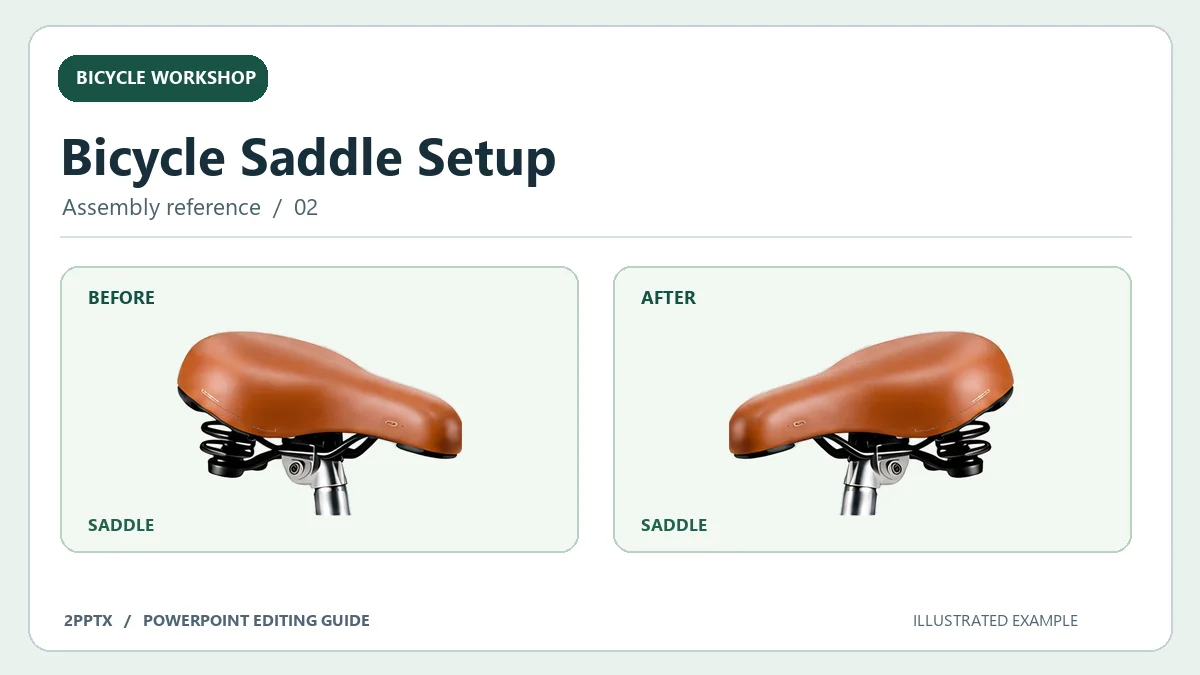
Select only the saddle picture
After using 2pptx Full-element conversion to separate the picture, open the PPTX and select the saddle. If the selection includes a label, use the Selection Pane to choose only the picture.
Choose Flip Horizontal in Picture Format
With the picture selected, go to Picture Format, choose Rotate, then Flip Horizontal. A logo or number printed into the picture will also mirror. Use a different image if that part needs to stay readable.
Check what stayed put
Save and reopen the deck. Check that the title and nearby labels still read normally. If the picture now overlaps a label, adjust the picture alone. Avoid mirroring a whole flowchart if arrows or step numbers carry its meaning.
How to check picture editability · Microsoft PowerPoint help