How to convert NotebookLM slides to editable PowerPoint

NotebookLM exports can look finished while still behaving like flat images in PowerPoint. If the layout is approved, convert the exported PDF or image pages into a PPTX with editable text instead of generating the whole deck again.
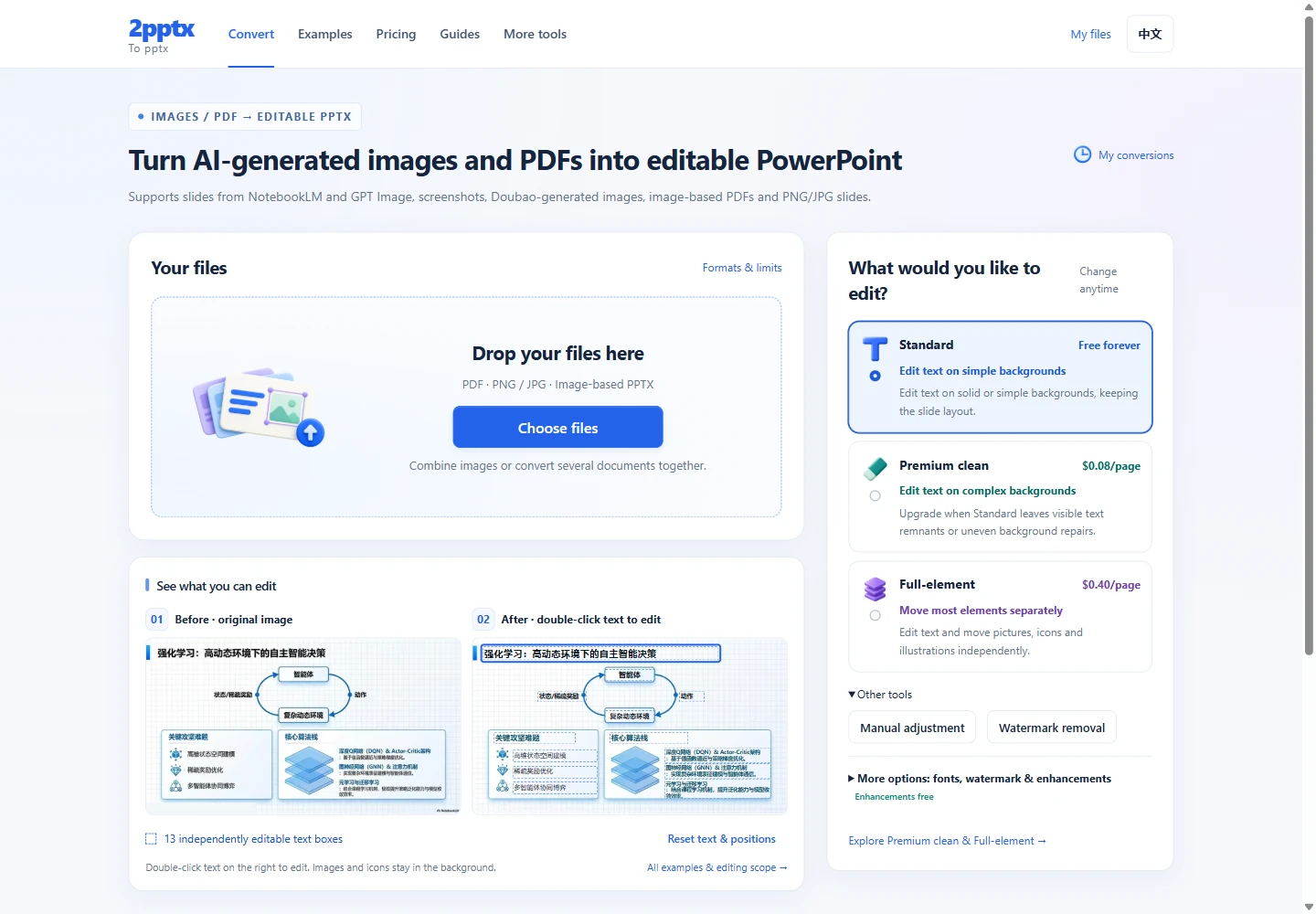
Choose text editing or adjustments to individual elements
Non-text elements are generally transparent images; chart data, animations, and native vector paths are not automatically restored. See real Full-element results and delivery details →
If the file opens but its words cannot be selected, use the PPTX text troubleshooting guide to check access, masters and image pages before converting.
Start with your file
Upload an image or PDF to convertFirst check whether the text in your current export is already selectable in PowerPoint. If it is, you can edit it directly. For an image-based PDF, PNG/JPG files, or a PPTX with one full-slide image per slide, upload the file to 2pptx to rebuild editable text. Upload PDFs directly, or arrange multiple images into one PPTX. Review citations, numbers, and names after conversion.
When do you really need editable PowerPoint?
- NotebookLM exported PDF, screenshots, or image-based pages instead of a standard editable PPTX
- the visual layout is already acceptable and only needs downstream edits
- the deck must be handed to teammates or clients who work in PowerPoint
- you want to edit text without asking AI to regenerate the whole page
In all of these cases, the real need is not another AI pass. It is a maintainable file that fits a PowerPoint workflow.
Why do NotebookLM slides look like PPT but still feel hard to edit?
NotebookLM is good at producing presentation-ready pages, but presentation-ready is not the same as maintenance-ready. Many exports preserve the visual outcome better than the editable structure, so you do not get normal text boxes, object layers, and direct in-slide editing.
- a one-number fix may still require another prompt and another export
- small wording changes can also shift layout and hierarchy
- translation work becomes unstable because the page may change again
- handoff to PowerPoint users becomes inefficient
The page is ready to show, but still awkward to update or hand off.
Keep the layout and rebuild the text layer
- First confirm that the current export is PDF, PNG, JPG, or a slide file whose text still behaves like part of the background.
- If the current layout is already usable, do not default to another round inside NotebookLM.
- Choose a workflow that outputs editable PPTX while preserving the current page appearance.
- Tools like 2pptx.com aim to detect text positions and content, keep the current visual result, and rebuild the text as editable PowerPoint text boxes.
- After conversion, finish the real edits directly in PowerPoint.
For near-final NotebookLM exports, convert notebooklm slides to pptx is often the more stable path for review, handoff, and delivery.
Before and after
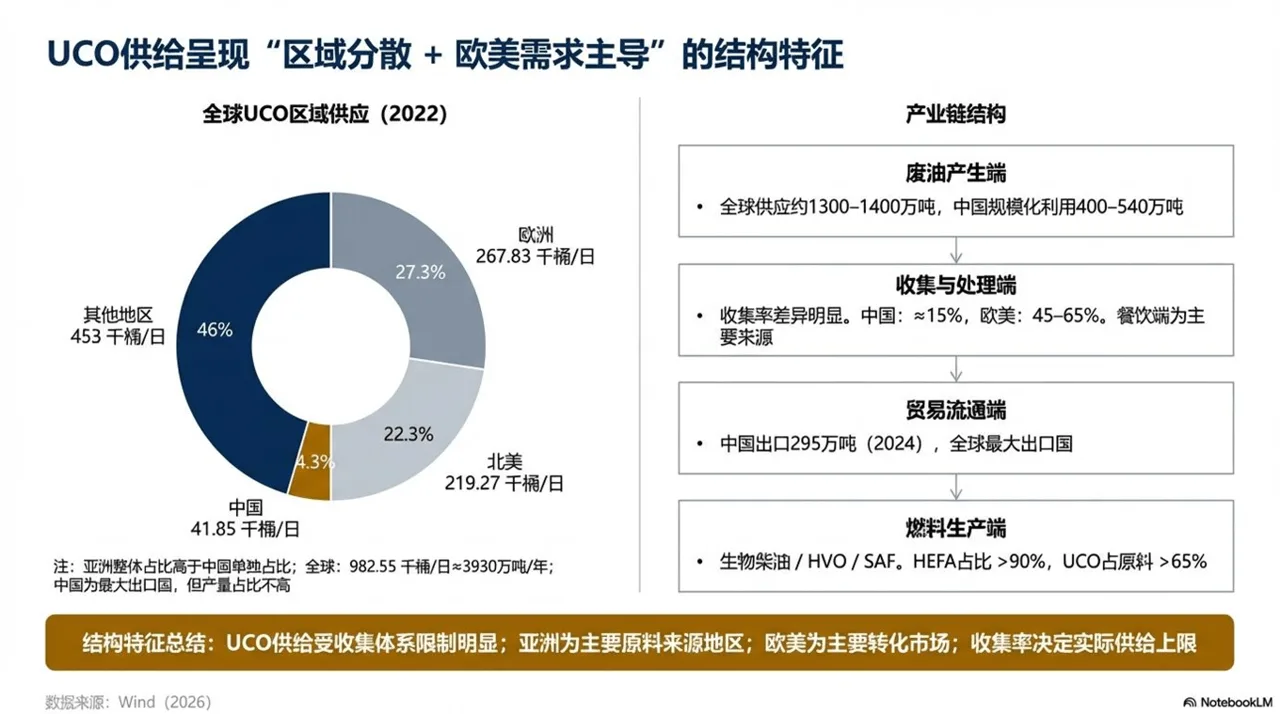
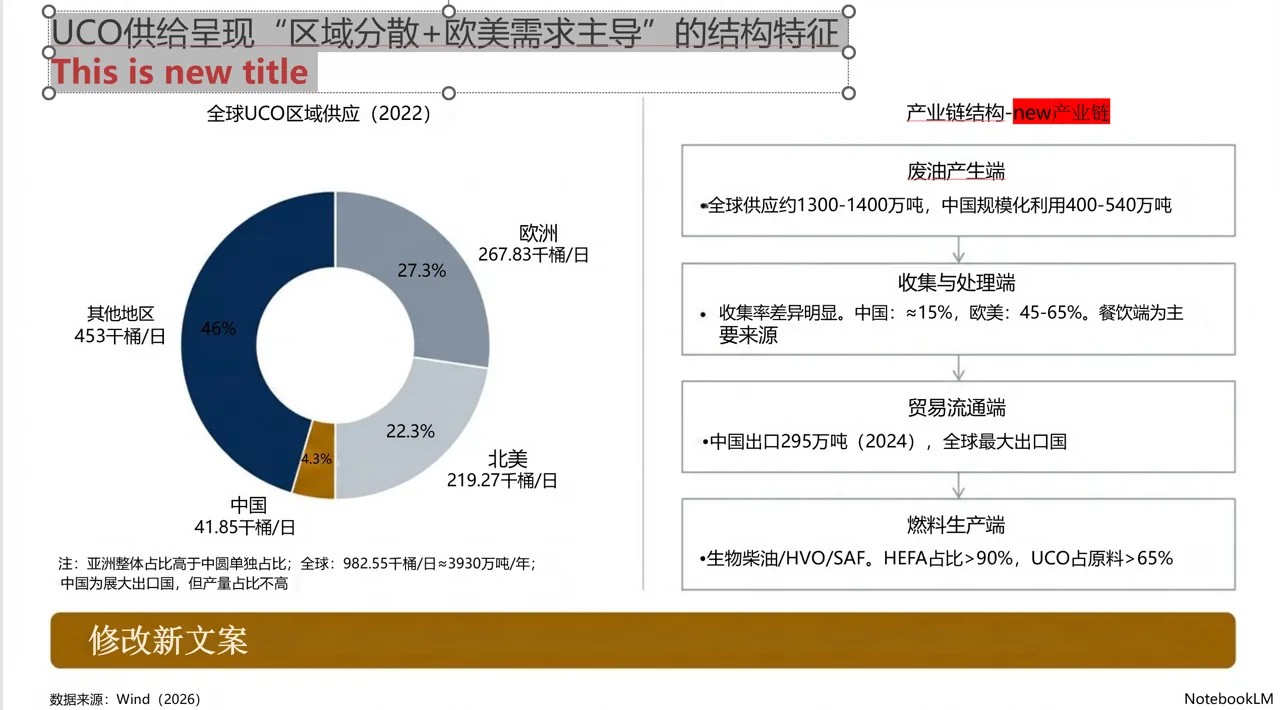
Step-by-step workflow
Step 1: Confirm the export is not natively editable
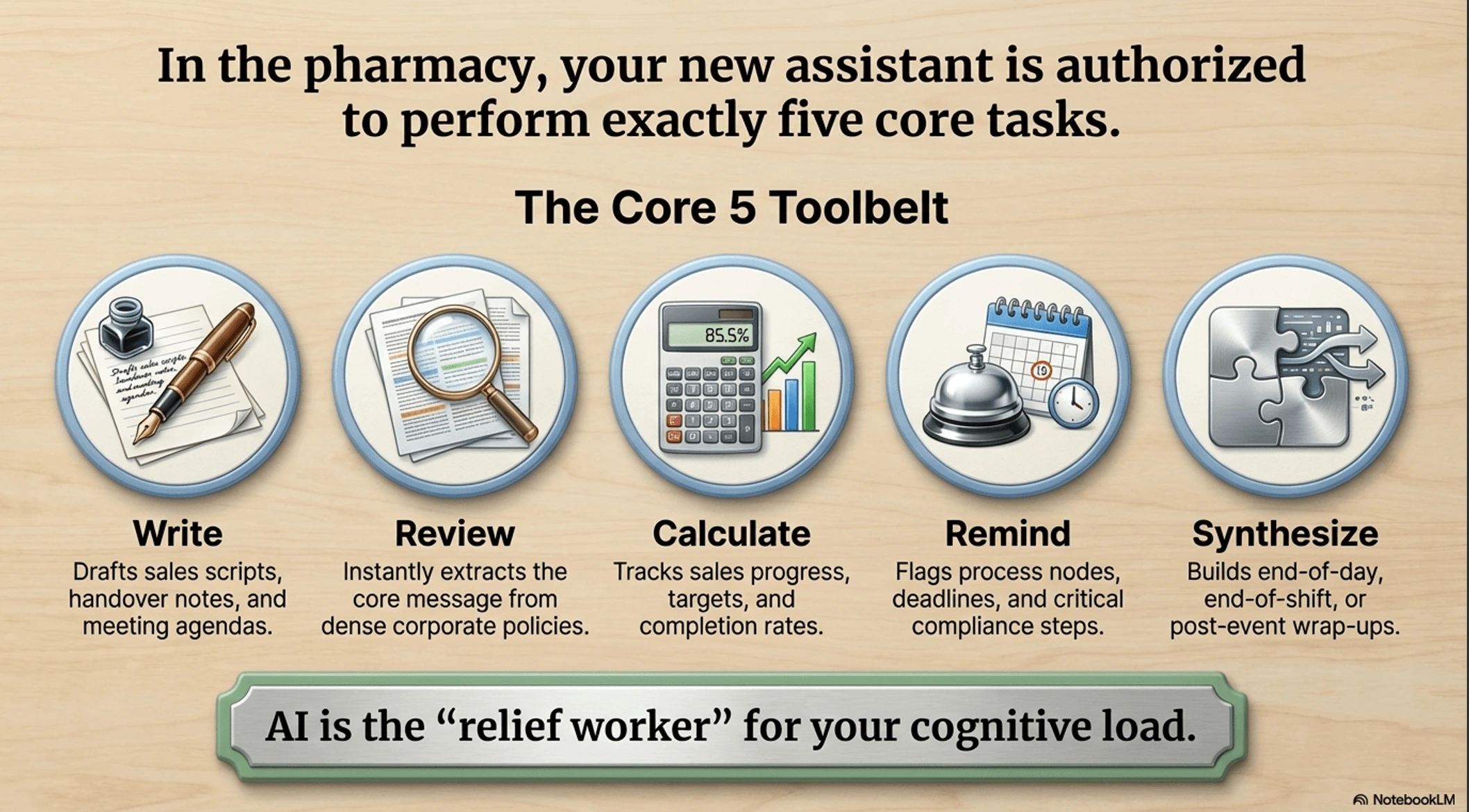
Open the NotebookLM export in PowerPoint and try clicking on a paragraph. If the click selects the whole page or an image block rather than a normal text box, the file is not a native editable PPTX.
Step 2: Upload to 2pptx.com
Open 2pptx.com and upload the PDF or image file from NotebookLM. Supports PDF, PNG, and JPG. Free uploads are limited to 35MB; paid or redemption-code uploads can go up to 150MB and may take longer.
Step 3: Wait for processing, then download
The system runs OCR, background inpainting, and PPTX generation automatically. Save the pickup code, then download the result once processing finishes.
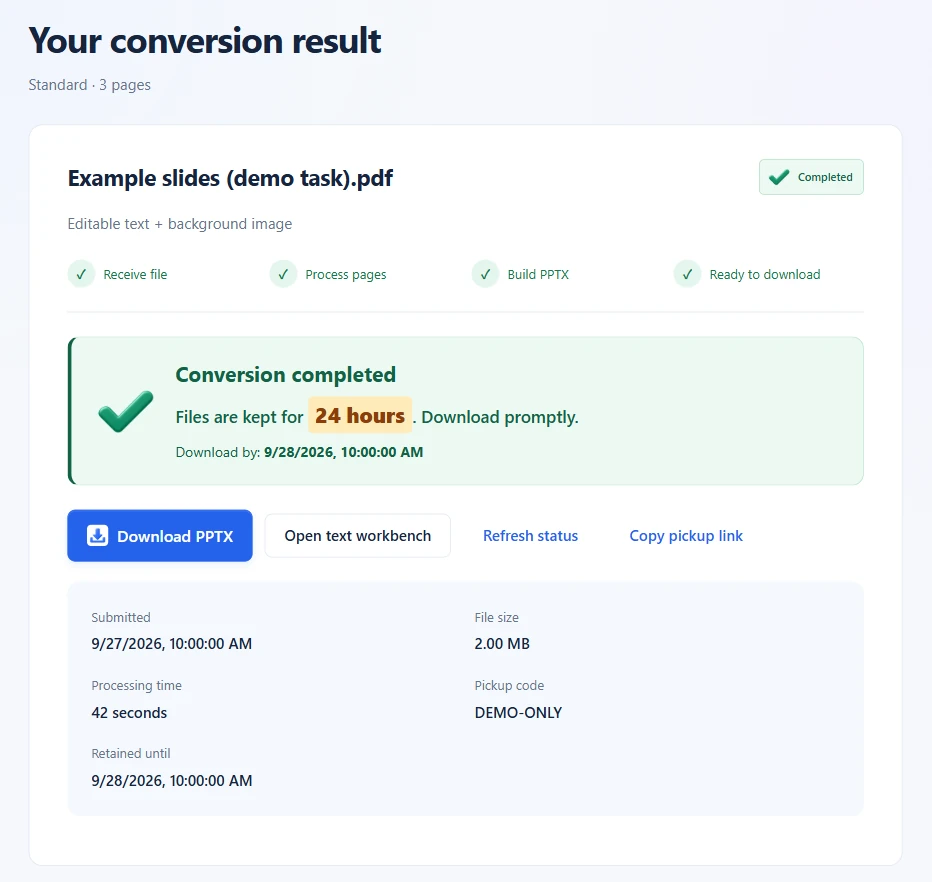
Step 4: Double-click to edit text in PowerPoint
The downloaded PPTX keeps the original page look, but the text is now separate text boxes. You can double-click in PowerPoint to change titles, body text, numbers, or translations.
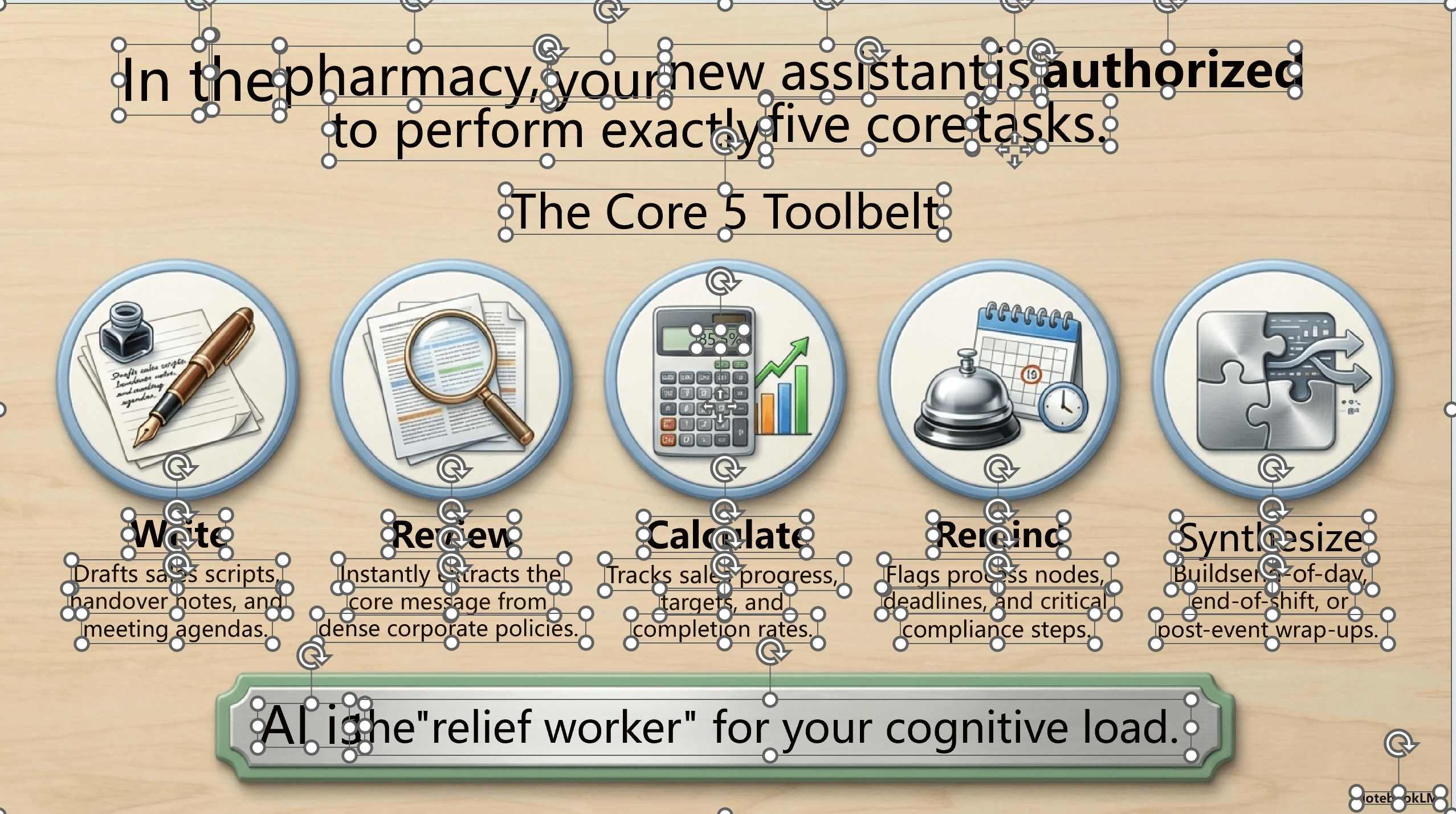
AI regeneration compared with conversion
| Keep regenerating with AI | Convert to editable PPTX | |
|---|---|---|
| Preserves current visual layout | Usually unstable | More stable |
| Good for typo / wording fixes | Prompt-dependent | Yes |
| Double-click editing in PowerPoint | Usually no | Yes |
| Good for style overhaul | Yes | No |
| Operational cost | Repeated prompt tweaking | Upload and convert |
| Good for PowerPoint-based handoff | No | Yes |
Troubleshooting
Some characters didn't come through after conversion
Zoom into the source to check whether the text is legible. Use the original export and avoid repeated screenshots or compression. Converting the same low-resolution PDF into PNG files cannot restore missing detail. Add missed text in the manual adjustment tool or correct it in the downloaded PPTX.
The text position is slightly off
This happens when the source page is tilted or scaled unusually. In most cases, nudging the text box in PowerPoint fixes it without affecting editability.
Charts, logos, and decorative lines aren't separated
This depends on your mode. Standard and Premium clean mainly rebuild text. Full-element mode also separates icons, illustrations, and other visuals so you can move, resize, delete, or replace them. Separation detail and edge quality vary by page; non-text elements are generally transparent images.
If you need more than text edits and also want to adjust icons, illustrations, decorations, or backgrounds, see this guide to Standard, Premium clean, and Full-element editing for AI image slides.
My NotebookLM content is still changing. Should I convert now?
Finalize the layout and wording inside NotebookLM first, then run one conversion. Otherwise each new draft creates another PPTX to review.
What this workflow solves, and what it does not
Use Standard or Premium clean for text changes and Full-element for adjustments to most visual elements as well. None of these modes promises to restore every original native object, chart data, or animation.
- good fit for editing titles, paragraphs, numbers, labels, and translated text
- good fit for keeping the current page style while making small changes
- not always a fit for reconstructing charts, illustrations, logos, or decorative graphics as separate objects
- not always the right choice if you already plan to redesign the whole deck
If your main goal is text maintenance instead of design reconstruction, this conversion path is usually enough value.
Convert or regenerate?
Keep working in NotebookLM while the content or layout is still changing. Once the pages are approved and only wording, translation, or handoff remains, convert them into editable PPTX.