Convert only the image slides in a mixed PowerPoint deck
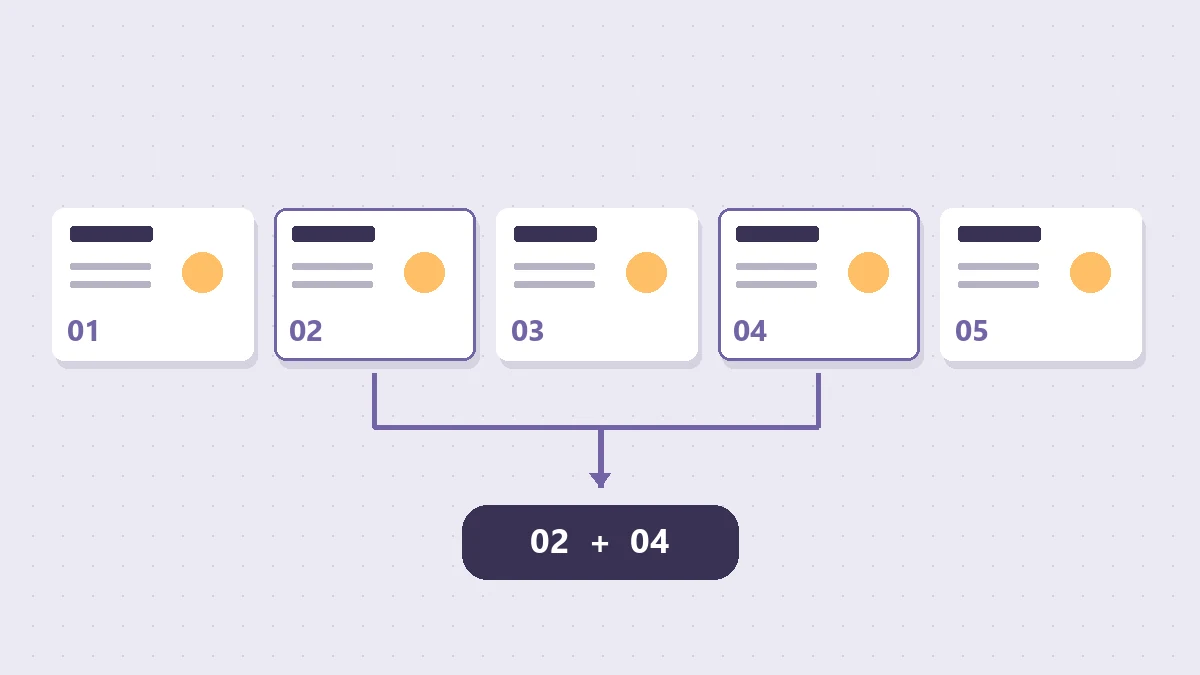
Suppose slides 2 and 4 are screenshots pasted from an old deck, but the charts on the other slides still get monthly updates. Save a working copy and convert just those two pages. The image-based PPTX importer expects one full-slide picture on each slide.
Identify the flattened pages
In PowerPoint, click a line of body text on slide 2, then click the adjacent illustration. If both clicks select the same full-slide picture, note the slide number and heading. Leave pages with a text cursor or a chart that offers Edit Data in the original deck.
Export a short file for conversion
Make a second copy containing just slides 2 and 4. Export it as a PDF using the slides layout and check that it contains two pages, one slide on each. If both remaining pages already consist of a single full-slide image, you can upload the shortened PPTX directly.
Choose Standard for text corrections or Full-element if a picture also needs to move. Keep the original deck available for speaker notes that need to follow the replacement pages.
Insert each result next to its original
Insert each converted slide immediately after its source in the working copy. Use headings to identify the second insertion point because slide numbers shift as you work. Compare the canvas dimensions, copy over any notes, and check links that jump to these slides. Run the sequence in Slide Show view before removing the old pages. The other slides keep their original charts and animations.
If the object you selected belongs to the slide master, use the PowerPoint text-editing diagnostic to identify the editable content.